










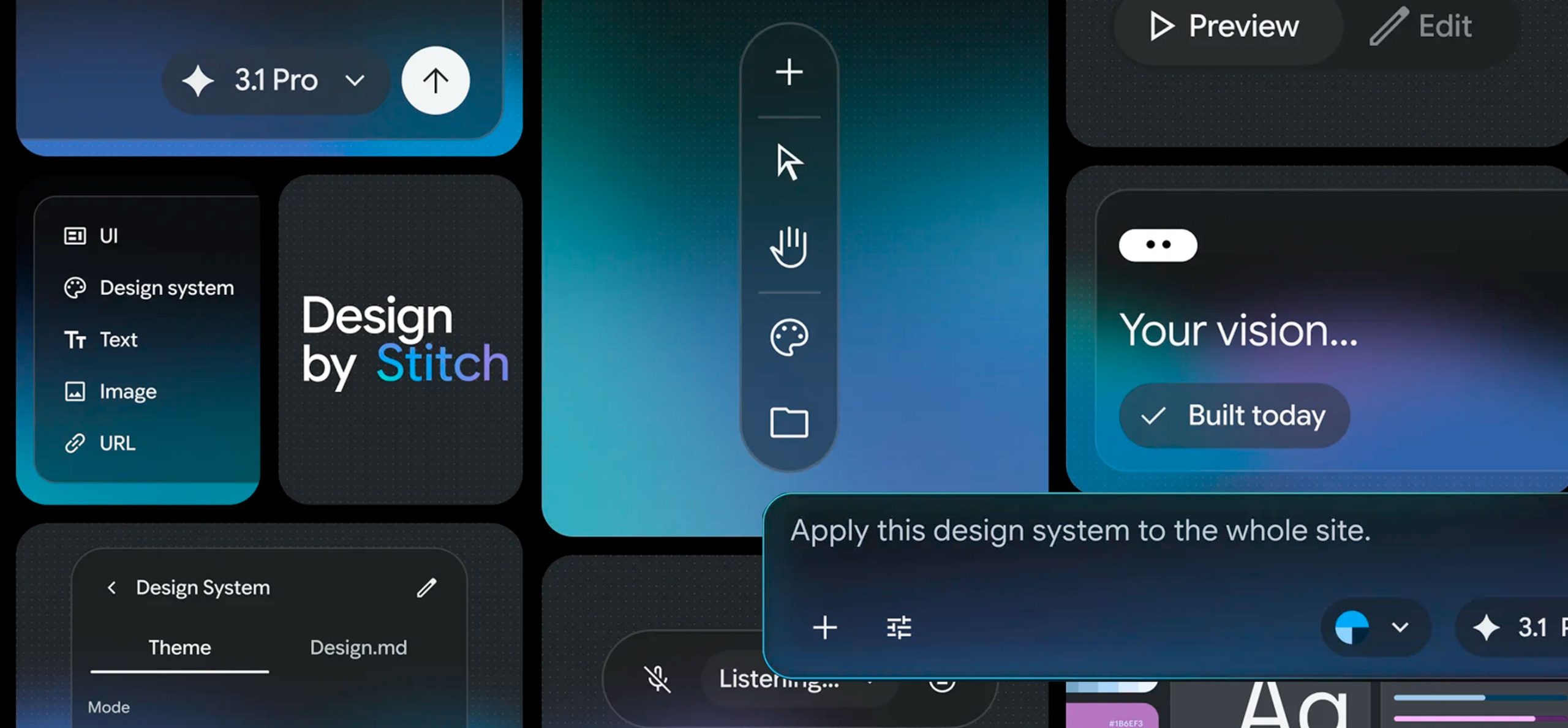
Since last year I have been closely following UI generation tools using prompts such as impeccable, replit, Google's Stitch is one that caught my attention. The first time I tried it, it still seemed raw and unpolished; today, after several iterations and a recent new version, it has evolved remarkably. Stitch presents itself as a native AI design canvas that allows anyone to create, iterate and collaborate on high-fidelity interfaces from natural language.
Origin and approach Stitch was born from the collaboration between a designer and an engineer with the mission to optimize the workflows of both. It leverages the multi-modal capabilities of Gemini 2.5 Pro to bring design and development together in a more seamless and integrated flow. It offers tools to refine designs with images, an interactive chat, theme selectors and the ability to paste directly into Figma, making it easier to focus on the creative side while meeting technical requirements.
What's new (5 key updates)
Smarter Design Agent
- Completely renewed agent comprising the complete context of the canvas.
- You can generate a product brief from the screens and place it on the canvas.
- He interviews you to help design from scratch.
- Create mobile versions of existing screens; now you can mix mobile and desktop in the same canvas.
Voice (Preview)
- Hands-free navigation (e.g. “show me the dashboard screen”).
- Verbal requests for specific changes to the active screen (“change this screen”).
- Voice mode where Stitch interprets what you are working on and defines which elements you select.
- Feature in preview with continuous enhancements planned in the coming weeks.
AI-Native Canvas
- Redesigned interface: infinite node-based canvas for a more organic creative flow.
- Accepts images, code and PRDs (Product Requirements Documents) as creative seeds.
- New Agent Manager to work on multiple ideas in parallel and maintain the organization.
- Selecting a task in the Agent Manager takes you directly to the relevant screens.
- Light mode is added to improve contrast in dark designs or increase visibility.
Instant Prototypes
- Preview your app stream interactively in seconds by simply pressing Play.
Increased openness and customization
- The platform is becoming increasingly open and customizable, differentiating itself from competitors by allowing deeper adaptations to the team's workflow.
My current impression after re-testing Stitch in its latest version, the tool shows significant improvements in usability and contextual AI capabilities. Recent features bring it closer to an environment where designers and developers can collaborate from early ideas to interactive prototypes without breaking the creative flow.
Stitch is marking an important step in the integration of AI within UX design: it not only automates tasks, but reimagines the creative process as a dialogue between human and agent. With a native AI canvas, context-aware agents, instant prototyping and voice navigation, Stitch reduces the friction between ideation and technical delivery. For teams looking to accelerate design cycles and maintain consistency between product and execution, Stitch is emerging as an increasingly mature and relevant tool.