





Designing Augmented and Mixed Reality Experiences from a UX Perspective
Augmented reality (AR) is not a new technology, but it is a discipline that is still evolving from an experience design perspective. Unlike other, more mature digital environments, such as the web or mobile, design for AR and mixed reality still lacks solid patterns, widely adopted principles, and clear UX frameworks.
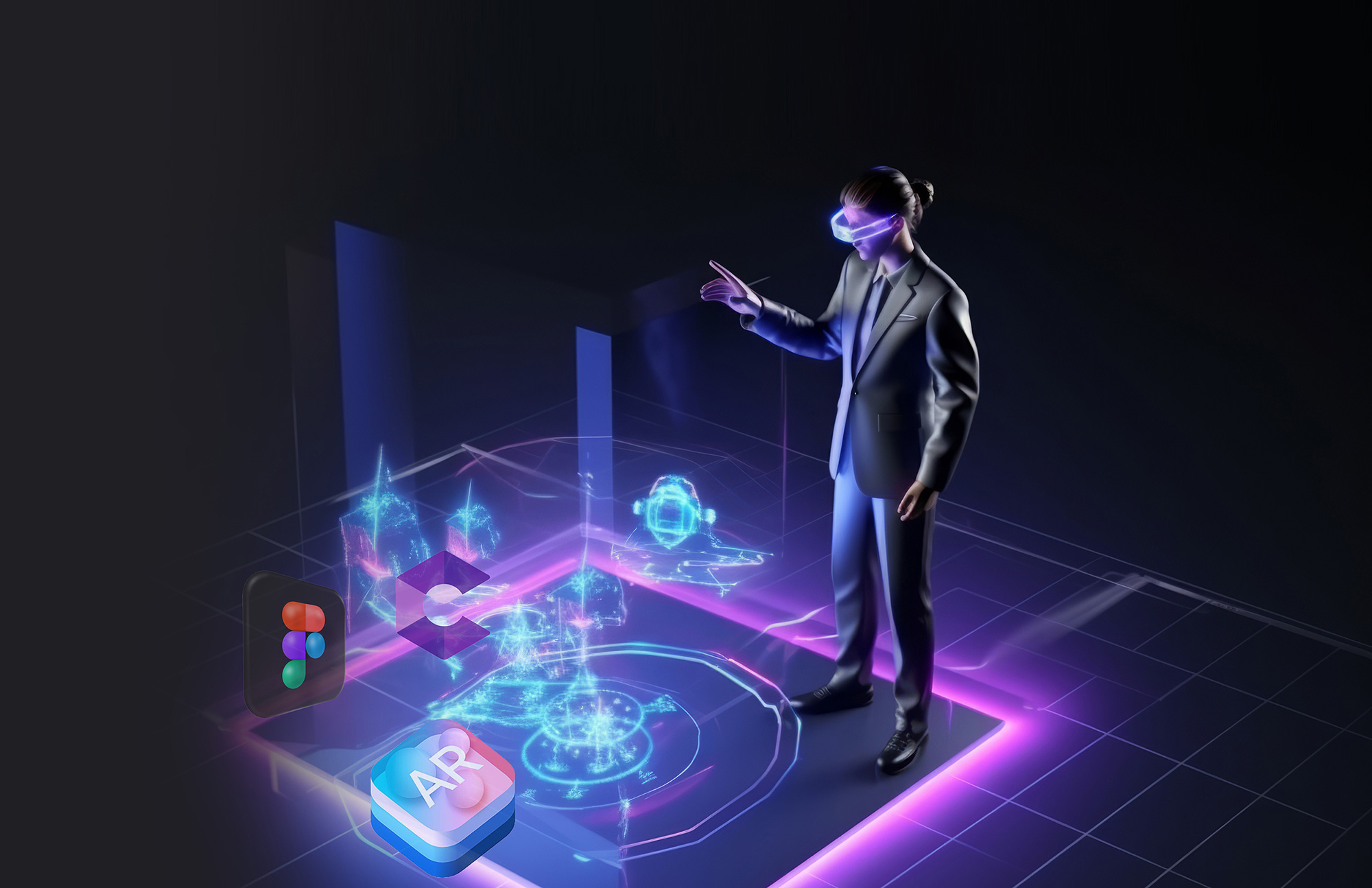
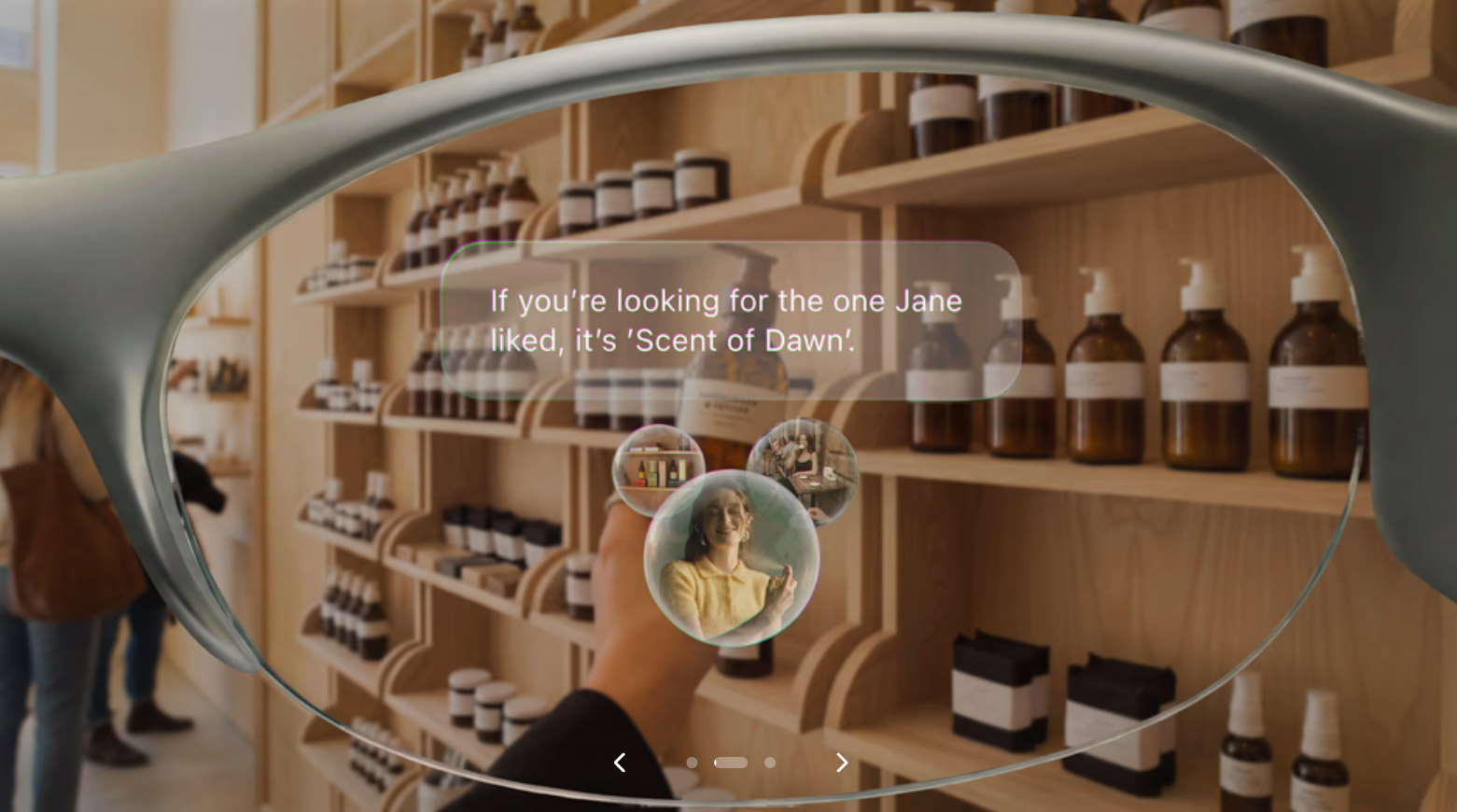
AR enhances the real world by adding a digital layer of information, context, and interaction. Its potential is enormous: education, retail, entertainment, healthcare, industry, and architecture. However, designing for AR isn’t just about placing 3D objects in space; it requires rethinking how people perceive, understand, and interact with information in a physical environment.
In my experience, many users are still unfamiliar with augmented reality and often confuse it with virtual reality. Over the course of nearly five years working on UX and UI experiences for AR platforms and projects—closely tied to the Goopy Augmented Reality ecosystem—I’ve learned that the biggest challenge isn’t technological, but rather cognitive and experiential.
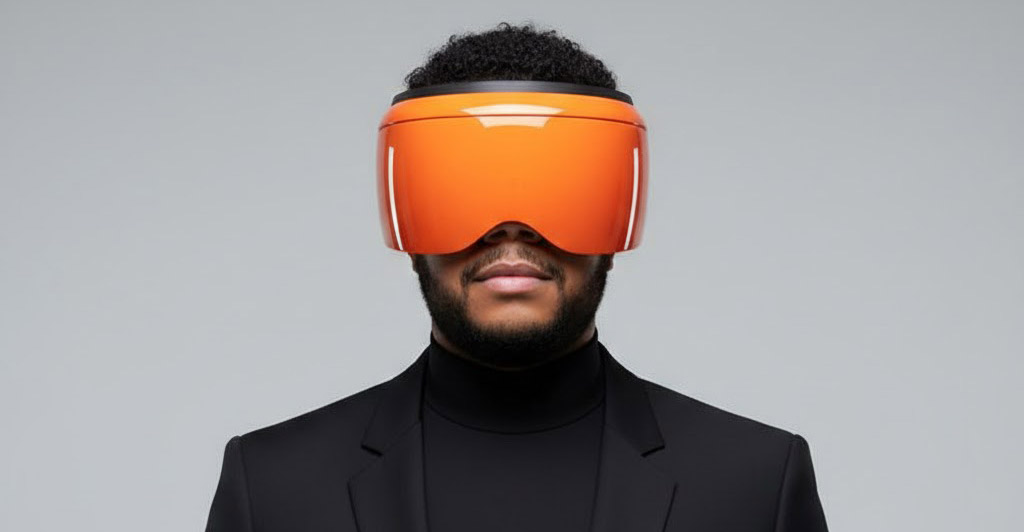
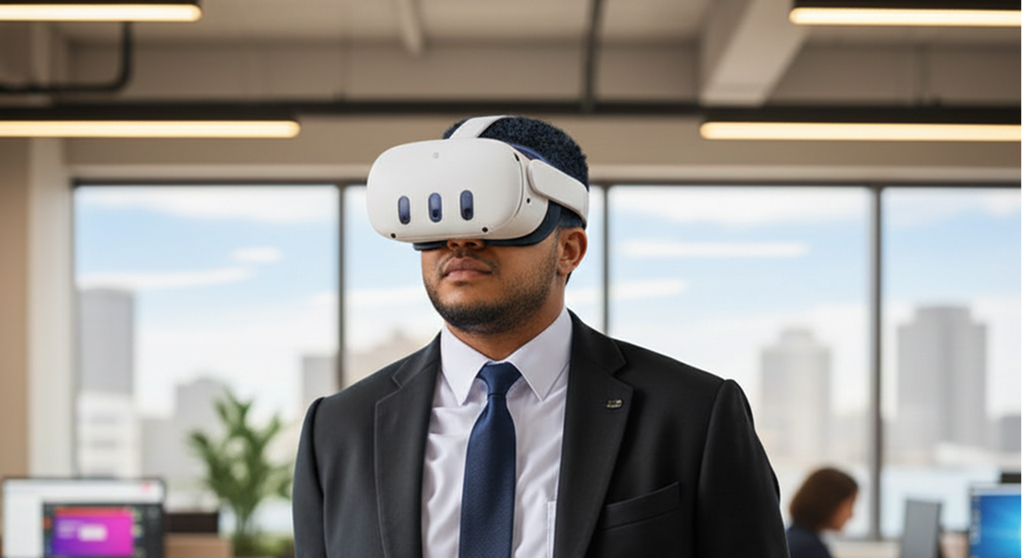
Today, with the evolution of ARKit and ARCore, the arrival of mixed reality on devices like the Meta Quest 3, and the launch of Apple Vision Pro, the role of the UX designer is becoming even more important. We are entering a phase where design is no longer confined to flat screens and is beginning to coexist with the physical world.
This article is not intended to be a technical guide, but rather a practical and strategic introduction to the concepts, formats, and tools that a UX designer should be familiar with in order to start working in AR and MR.
Thinking about AR in terms of formats, not software
One of the first shifts in mindset when designing for AR is understanding that formats matter just as much as tools.
By 2024, traditional formats such as OBJ or FBX will no longer be ideal as the primary standard for AR experiences. Today, the ecosystem is shifting toward formats optimized for performance, portability, and real-time capabilities.
– glTF / GLB have become the standard for efficient 3D models, especially on the web, in AR, and in immersive experiences.
– USDZ plays a key role within the Apple ecosystem, especially for experiences on iOS and visionOS.
– Chroma Key video (MOV / MP4) allows you to integrate holograms, people, and animations that add narrative depth and emotional context.
– PNGs with transparency remain an essential resource for overlays, floating UI elements, and lightweight graphic elements.
From a UX perspective, this boils down to one key question:
What level of visual fidelity does this experience actually need to achieve its goal?
Not everything has to be hyper-realistic 3D; often, simplicity communicates best.
AR Frameworks: Understand the Context, Not the Code
A UX designer doesn't need to be an expert in AR framework code, but they do need to understand what each platform can and cannot do.
– ARKit defines much of the AR experience on Apple devices
.- ARCore sets the standards on Android
.- Unity remains the bridge between design, interaction, and cross-platform development.
Understanding these platforms allows us to make better design decisions, anticipate technical limitations, and design experiences that are more consistent with the environment in which they will exist.
Tools and resources that broaden UX thinking
AR design doesn't happen in a single tool. It's an ecosystem.
– Sketchfab lets you explore and understand how 3D models behave in real time
.- Vectary democratizes the creation of 3D scenes without the need for code
.- Adobe After Effects brings motion, storytelling, and life to AR elements
.- Figma (visionOS resources) marks the beginning of spatial interface patterns.
– WebGL and Three.js open the door to AR experiences directly in the browser.
From a UX perspective, these tools are not an end in themselves, but rather a means to prototype, validate, and tell stories in three-dimensional spaces.
Strategic Conclusion: UX Beyond the Screen
Designing for augmented and mixed reality is not simply an evolution of traditional digital design; it is a paradigm shift.
In AR, the user doesn't enter the experience—
the experience enters the user's world.
This forces UX designers to rethink fundamental concepts:
– The interface is no longer always visible –
The physical context matters just as much as the digital one –
The user's attention is limited and shared with the real-world environment –
Visual overload can ruin the experience in seconds
The true value of UX in AR lies not in the technology, but in knowing when to step in and when to step back. The best augmented experiences don't feel intrusive; they feel natural, useful, and almost invisible.
We are still in the early stages. There are no set rules yet, but there is a great opportunity for UX designers to actively participate in shaping these new languages of interaction.
This is just the beginning.
And at UX Yeah, the conversation is just getting started.